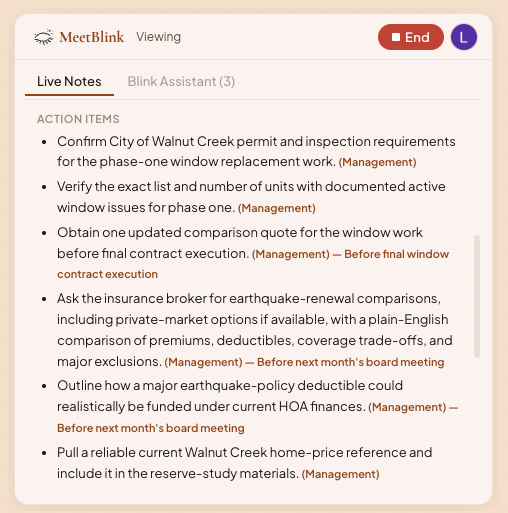
Action items are ready before the call is over.
The next step and owners are clearly outlined and aligned before everyone leaves.
Features
Live Notes
Live Notes keeps the emerging story in one calm place, so no one needs to choose between contributing and documenting.
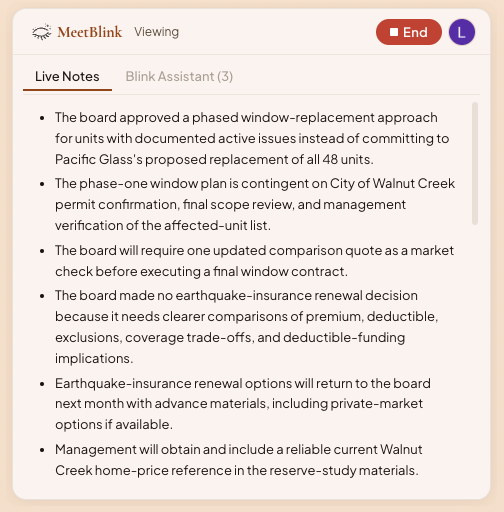
Reach alignment in meeting outcomes
The next step and owners are clearly outlined and aligned before everyone leaves.
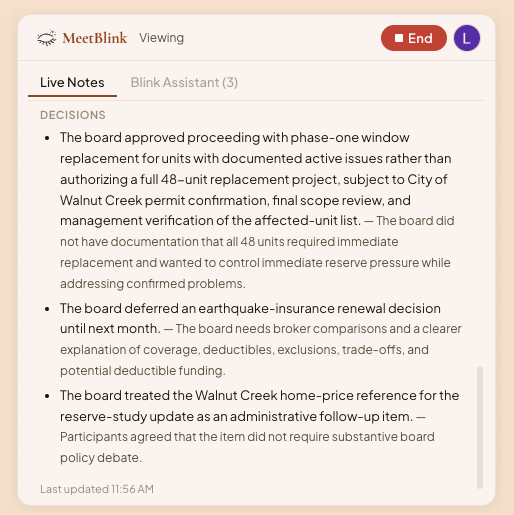
Surface the choices the room has made while they are still fresh with the background context to let you stay clear.
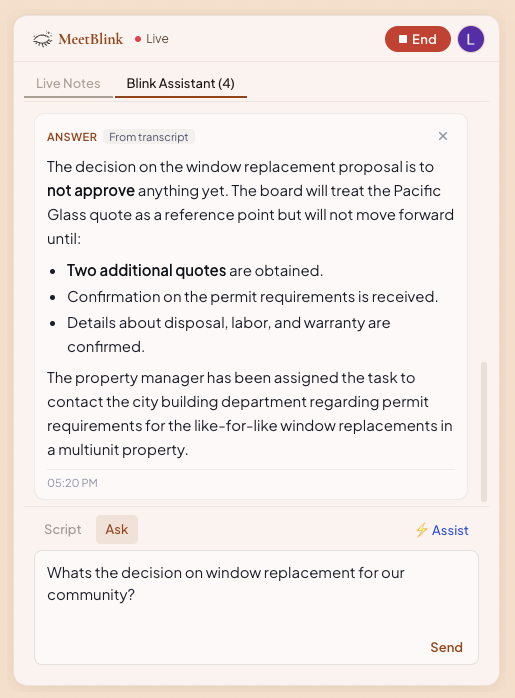
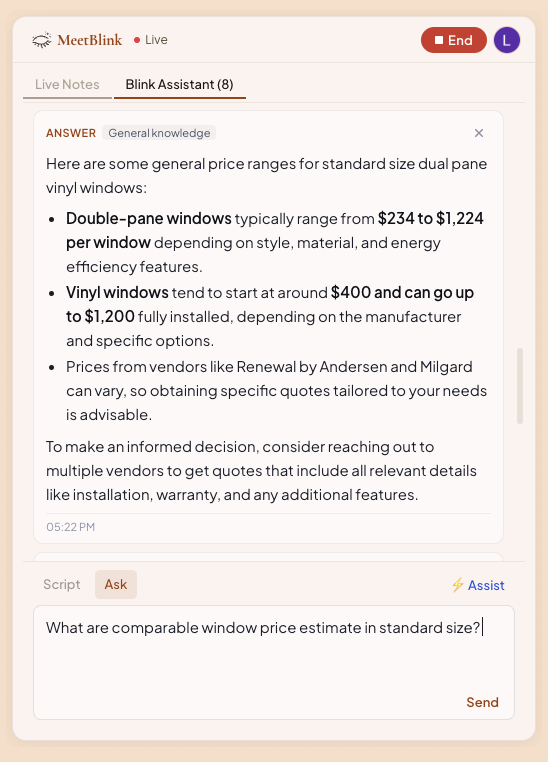
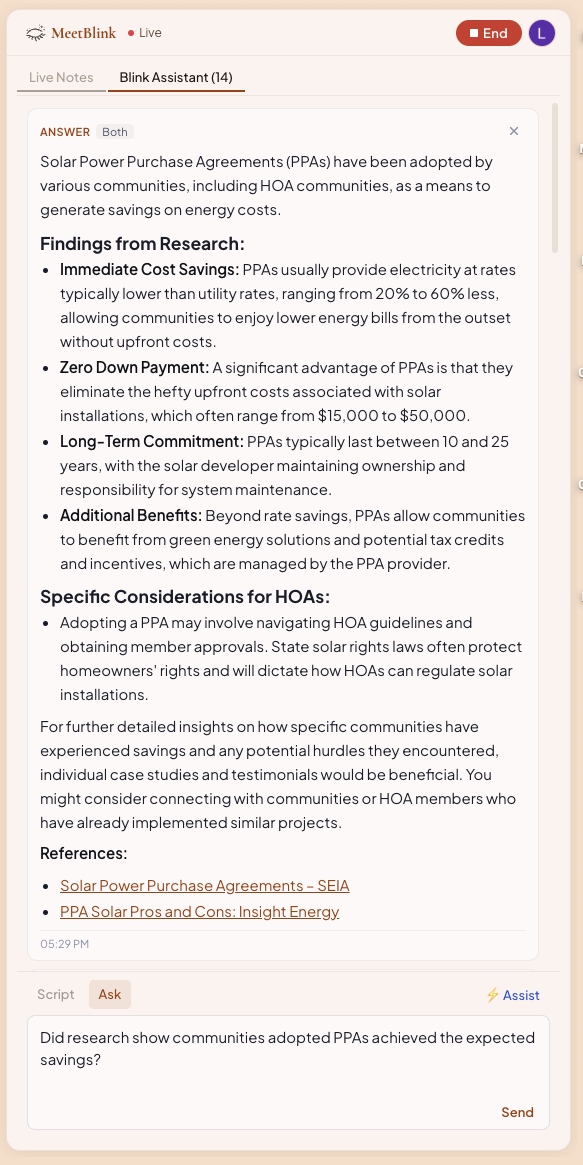
Blink Assistant
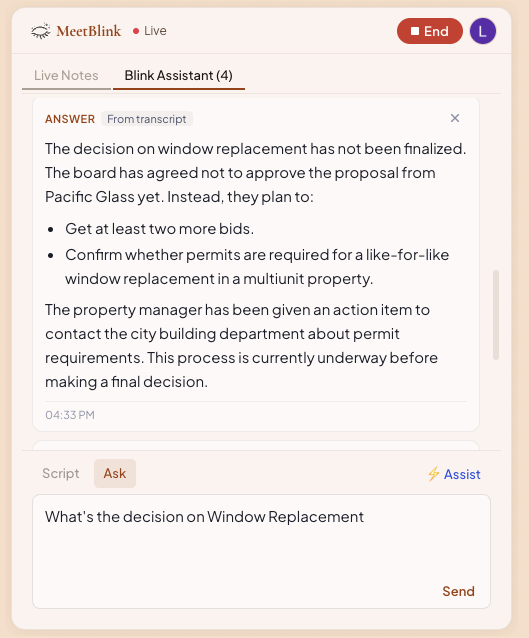
Answer your question in the meeting context.
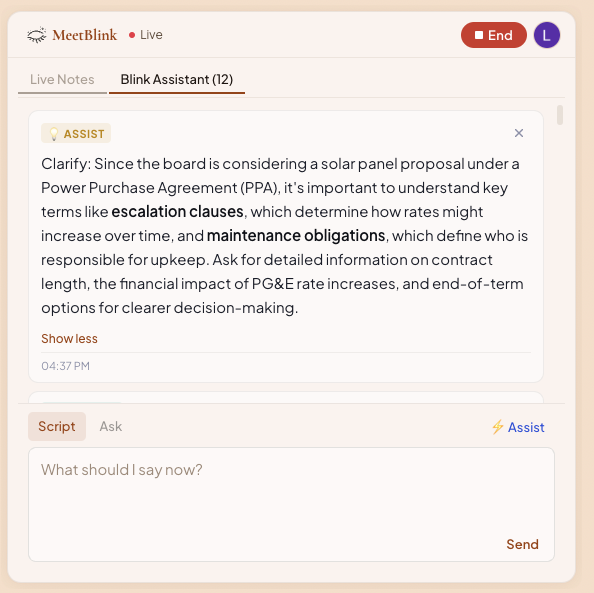
On demand assistance when you need it.
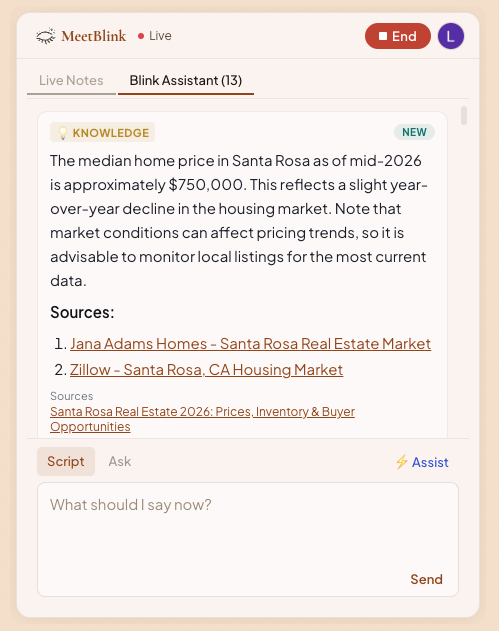
Contextual knowledge the group can use right now.
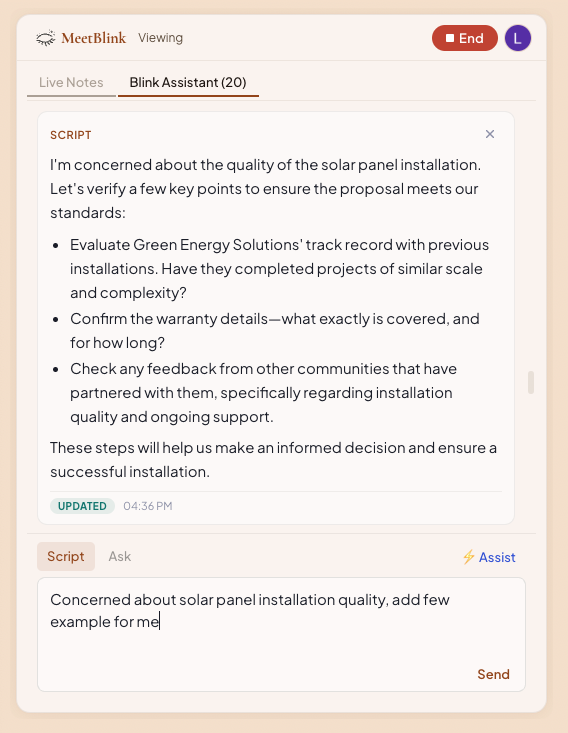
Provide a useful next move when the conversation needs a nudge.
Different kinds of support
Whether you need a transcript detail, a general answer, or a little more research, Blink Assistant keeps the support close to the conversation.
Situation Cards
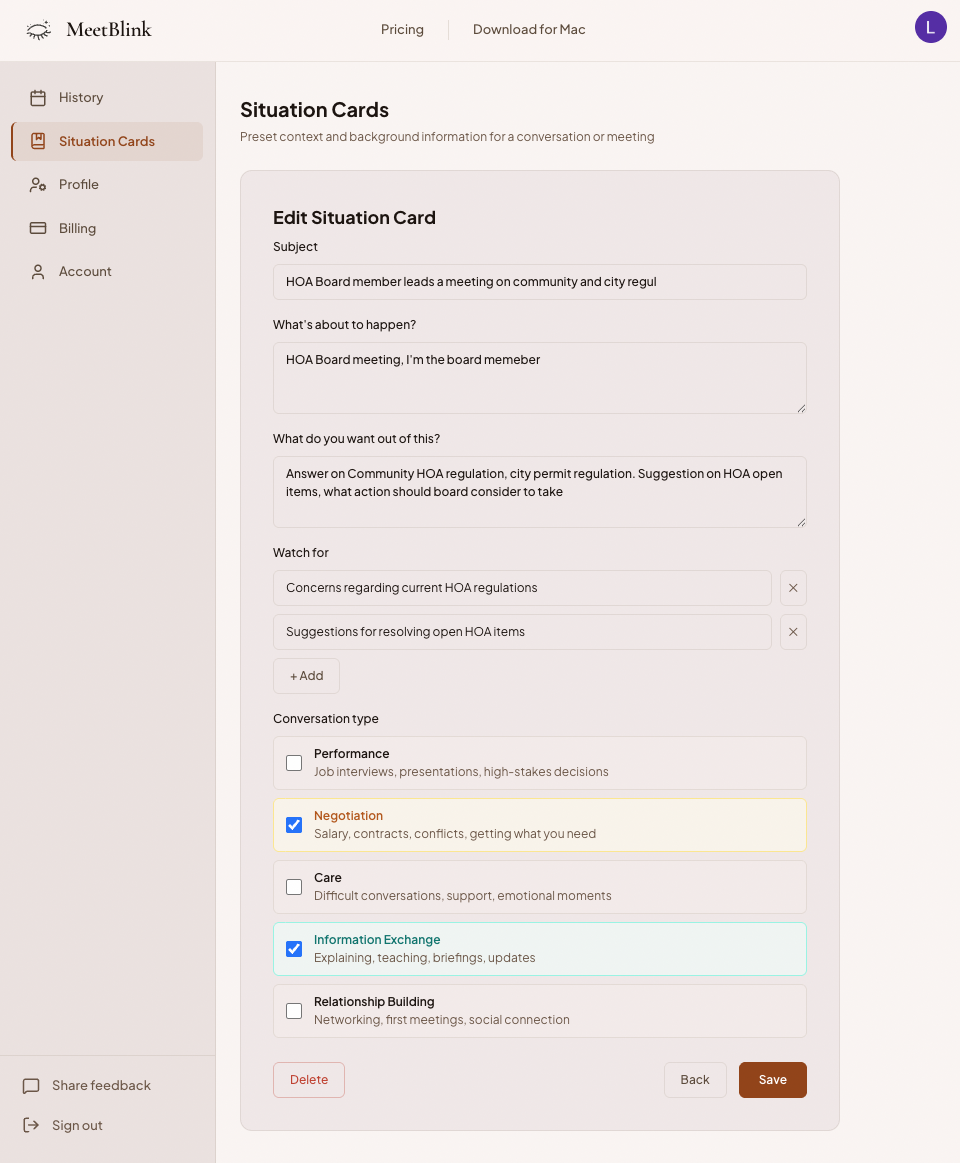
Choose a card for the conversation ahead, so MeetBlink understands the role in the room and the background that shapes the discussion.
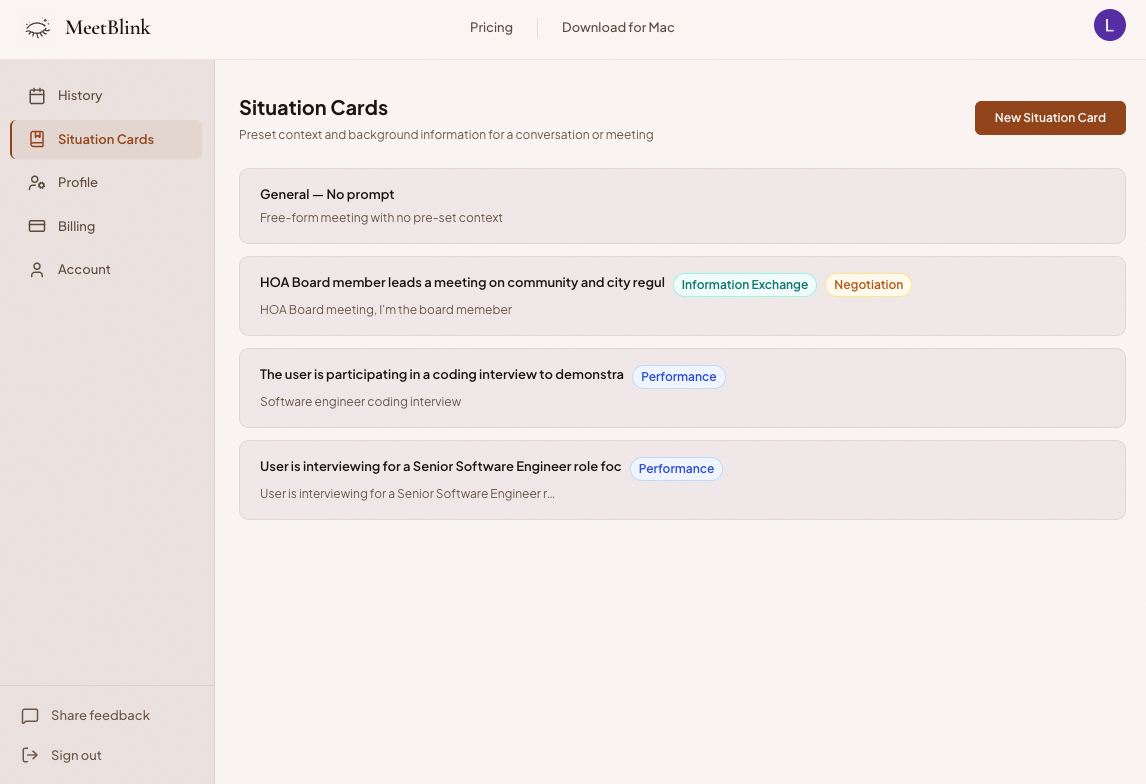
Make the brief useful
Your role
Describe who the user is in this conversation, from interviewer to board member to trusted advisor.
The goal
Give MeetBlink a clear outcome to work toward, then name the concerns and watch-fors that deserve extra care.